Most people who quit Midjourney never actually learned to prompt it. They typed a sentence, got something weird, and blamed the tool.
Midjourney is one of the most capable AI image generators available, but it rewards structure over wishful thinking. The gap between a beginner and a pro is not talent. It is knowing which levers to pull. This guide walks through how the tool actually works in 2026, the parameters that matter, and a repeatable way to get the image in your head onto the screen.
Where Midjourney runs now
For a long time Midjourney lived entirely inside Discord. That is no longer the case. The primary interface is now the web app at midjourney.com, with a clean gallery, an editor, and organized folders. Discord still works if you prefer it, but new users should start on the web.
Versions move fast. V7 was the default for most of 2025 into mid-2026, then a newer default model took over with faster renders and higher native resolution. The practical takeaway: check which model version is active in your settings before you judge an output. An old prompt on a new model can behave differently. When in doubt, generate the same prompt on two versions and compare.
Anatomy of a good prompt
A weak prompt is a vibe. A strong prompt is a brief. Think like an art director handing instructions to a photographer.
Order your prompt by what matters most: subject, then context, then style, then technical detail. Midjourney weights the front of the prompt more heavily, so lead with the thing you care about most.
- Subject: who or what is in frame. Be specific. “A weathered fisherman” beats “a man.”
- Environment: where it happens. Lighting, time of day, setting.
- Style: photography, oil painting, 3D render, editorial illustration.
- Technical cues: lens, camera angle, mood, color palette.
One idea per prompt. If you stuff in five competing concepts, the model averages them into mush. Write short, concrete phrases separated by commas. Skip filler words like “beautiful” and “amazing” that carry no visual information.
Parameters that actually change the output
Parameters are the settings you add at the end of a prompt. A handful do most of the heavy lifting.
- Aspect ratio (–ar): controls shape. Use 16:9 for landscapes and banners, 9:16 for stories and mobile, 2:3 for portraits, 1:1 for square. Set this before anything else because it reframes the whole composition.
- Stylize (–s): how strongly Midjourney applies its own artistic taste. Low values stay literal to your prompt. High values get more decorative and stylized, sometimes at the cost of accuracy.
- Chaos (–c): how varied the four initial options are. High chaos gives you wilder, more different directions to choose from. Useful early when exploring.
- No (–no): a negative prompt. Add “–no text” or “–no people” to push unwanted elements out of frame.
Do not memorize all of them. Master aspect ratio and stylize first. Those two shift results more than any clever adjective you can add.
Reference images and consistency
The hardest problem in AI image generation is consistency: keeping the same character, product, or style across a series. Midjourney addresses this with reference features that let you upload an image and carry its identity into new scenes.
Use a reference image when you need the same face across a comic, the same product across a campaign, or a consistent visual style across a content series. Upload a clean, well-lit reference. Blurry or busy source images produce unreliable results. Then describe the new scene in text while the reference holds the identity steady.
This is the difference between a one-off pretty picture and a usable asset library. If you are building a brand or a repeatable content pipeline, consistency features are the whole game. We cover applying this at scale in our guide to building an AI content production workflow.
A repeatable workflow that saves hours
Random prompting wastes credits. A process does not.
In practice this becomes marketplace automation: setup, launch and support on our side.
- Draft wide. Start rough. Use a fast or draft-quality mode to explore many directions cheaply before committing to a full render.
- Pick a direction. Choose the one composition closest to your goal. Ignore the other three.
- Refine with variations. Generate variations of the chosen image to nudge it closer rather than starting over.
- Edit locally. Use the in-app editor to fix a specific region instead of re-rolling the entire image and losing what already works.
- Upscale last. Only spend the compute on high resolution once the composition is locked.
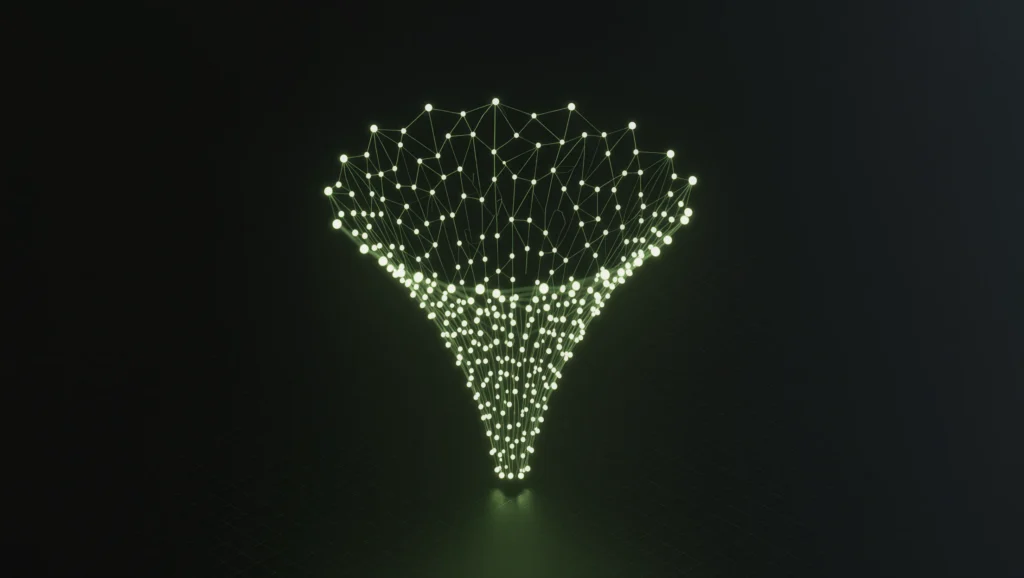
This funnel matters because the biggest beginner mistake is over-refining a bad base. If the core composition is wrong, no amount of upscaling saves it. Fix structure early, polish late.
Common mistakes to avoid
A few patterns quietly ruin results.
- Prompt overload. Long paragraphs with contradictory instructions. Cut ruthlessly.
- Chasing perfection in one shot. Great images come from iteration, not a single magic prompt.
- Ignoring aspect ratio. Generating square then cropping to 16:9 throws away half your composition. Set the ratio up front.
- Vague style words. “Cinematic” means little on its own. Name the lighting, the mood, the medium.
- Copying prompts blindly. A prompt built for an old model version may fall flat on the current one. Adapt, do not paste.
Fixing these does more for your output than any secret keyword list. For turning these images into a real marketing engine, see how we approach AI tools for small teams.
Getting started
Open the web app, pick your aspect ratio, and write one clear subject-led prompt. Draft wide, choose a direction, refine, then upscale. Do that ten times and you will understand the tool better than any tutorial can teach.
If you want help wiring Midjourney into a real content and marketing pipeline, or building a consistent visual identity at scale, that is exactly the kind of work we do. Message the Neurounit bot on Telegram and tell us what you are trying to build.